
iPhone app for scanning documents
Scan, digitize and archive documents on your iPhone.
ExplainThisDoc is an iPhone app for scanning, digitizing and archiving documents. Invoices, notifications, contracts and letters are summarized in a comprehensible manner and can later be found in the archive.
- Document scans, PDFs, photos, emails and text
- Deadlines, amounts, risks and tasks
- Archive, search, filters and original reference
Short answer
How can I scan, digitize and archive documents on iPhone?
Scanning, digitizing and archiving documents on the iPhone means: recording letters, invoices, contracts or notices, making them readable using text recognition, saving them in a structured manner and finding them again later. ExplainThisDoc complements this with understandable summaries, recognized deadlines, amounts, risks and next steps.
The scan is just the beginning. A photo of a letter only really helps if you understand what it says, can check the source, and can find the document again later.
In practical terms, this means recording the document on the iPhone, checking the explanation, keeping the original and not losing the context again in the digital archive.
Workflow in the app
From a stack of paper to a retrievable document.
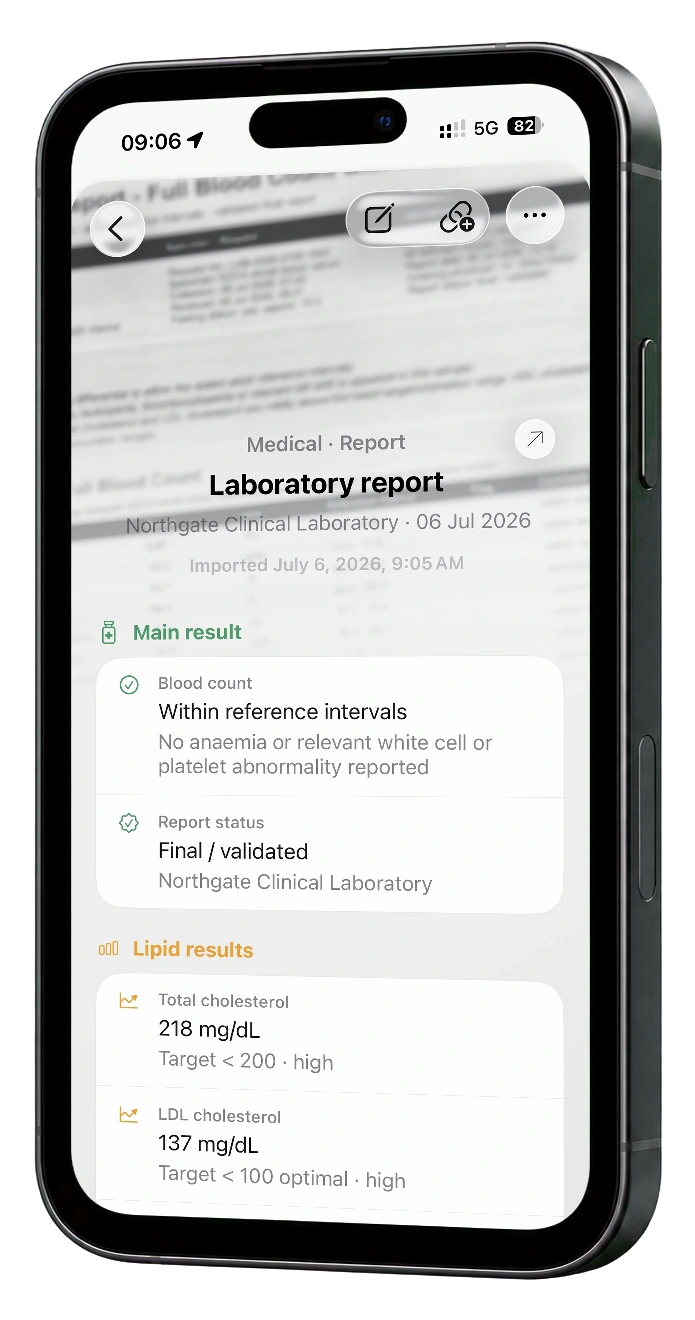
The numbered route shows the specific process: record the document, check it, understand it, use it with actions and find it again without having to work in the folder.
-
01 · ProblemStacks of paper become manageable.
Open letters become clear next steps.
-
02 · StartA place for everything.
Everything ends up in one place, without the stress of folders.
-
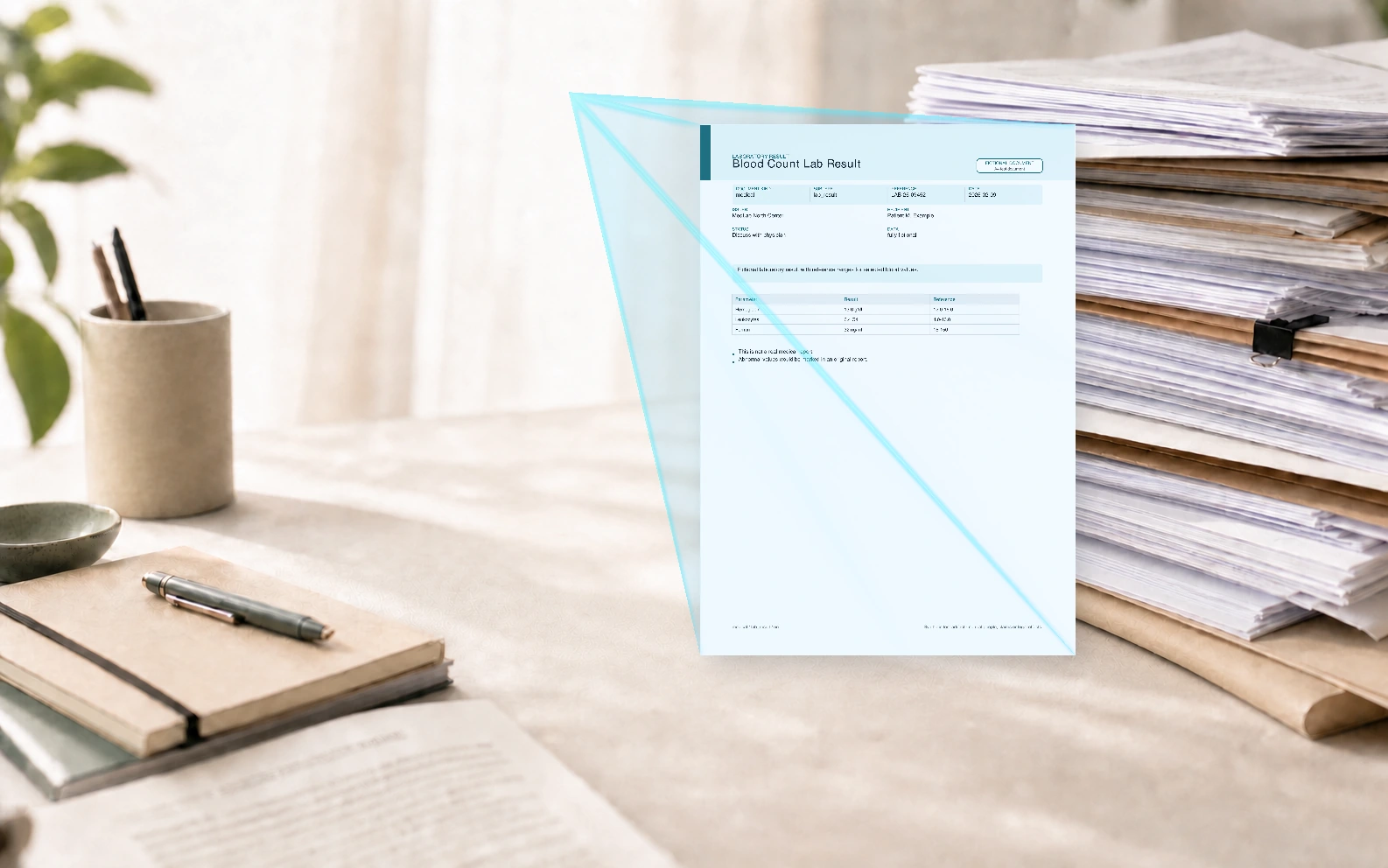
03 · Start scanStart scanning
Document is automatically recognized and recorded.
-
04 · ImportImport finished scan
The finished scan is taken over immediately.
-
05 · AnalysisAI analyzes the scan
The progress remains visible in the archive.
-
06 · OverviewTo the point
The main message, status and everything important is immediately clear.
-
07 · ExplanationEverything explained clearly
Values, terms and actions instead of technical language.
-
08 · OrientationDon't get lost in the document.
Overview and sections instead of a desert of text.
-
09 · Text to actionAct directly
Add appointments to the calendar, start navigation, call the phone number and more.
-
10 · SupplementsAdditions if necessary
Add notes, checklists and attachments directly to the document.
-
11 · OriginalOriginal is linked
The original always remains at hand.
-
12 · Open originalOpen original
Read, search, share, export. Everything is possible.
-
13 · ContextLink documents
Connections become visible, not just files.
-
14 · ArchiveSave without sorting
A flat archive instead of manual categories.
-
15 · Find againSearch and filters
Quickly find risks, deadlines and statuses.
-
16 · ControlImport, export, backup
Your archive remains portable and secure.
-
17 · SynciCloud sync for devices
Backup and restore via your iCloud.
-
18 · ImportNot just scans.
Understand, archive and quickly find files, photos or simple text.
Best solution for the archive
The best solution for a digital document archive.
- Understanding instead of just discarding: Summary, values, terms and next steps.
- Content becomes usable: Dates, locations, phone numbers and details become direct actions.
- Source remains verifiable: The explanation and the original scan remain connected.
- No obligation to file: save quickly, find later using search, filters and meaning.
- Archive remains controllable: Import, export, backup and iCloud recovery are visible.
step by step
From stacks of paper to digital archives.
ExplainThisDoc is not just a scanner. The app helps you record documents, understand content and make it usable again later.
- Record document. Scan paper, import PDFs, insert text or start from an email. Getting started is deliberately kept simple.
- Recognize content. Text recognition and document preparation run locally on the iPhone. The relevant text can then be evaluated.
- Check summary. The app shows what is at stake: amounts, deadlines, risks, tasks, locations and next sensible steps.
- Use archive. The document remains discoverable with source, search, filters, notes and connections.
More than OCR
An OCR scanner makes text readable. ExplainThisDoc makes it usable.
A normal document scanner digitizes paper. ExplainThisDoc prepares important content so that you can immediately see the core, understand it and take immediate action.
Recognize core immediately: The main message, important values, amounts, deadlines, risks and tasks are concisely summarized.
Text to action: Phone numbers, dates, locations, amounts and other recognized information can be used directly instead of just appearing as text in the scan.
Digital document archive: Explanation, original scan, notes, context, search and filters remain connected in one system.
Stack of paper
The stack gets smaller as each sheet gets a place.
Many documents are left lying around because it is unclear what is important: a payment deadline, a notice period, a file number or proof that you will need later.
- Enter invoices with amount and due date
- Summarize notices and letters from authorities in an understandable manner
- Classify contracts with terms, obligations and risks
- Find receipts, tickets and travel documents
Archive and search
Find it even if you don't know the file name.
Save documents not just as images or PDFs, but as understandable, searchable information. Find out later when an invoice was due, which contract contains a notice period or where a specific file number is located.
Search by content: Topic, person, amount, date, place or a wording from the document.
Filter by meaning: Separate important documents, risks, deadlines and open tasks more quickly.
Open source: The evaluation remains linked to the original so that you can check at any time where an answer comes from.
Document types
For documents that really matter in everyday life.
ExplainThisDoc is suitable for private documents where you want to quickly know: What is important, what is open, what do I need to find again later?
Invoices are about amounts and due dates. For notices about file numbers, consequences and deadlines. For contracts about terms, obligations and termination. Letters and emails often ask just one simple question: What do I need to do next?
Travel documents, tickets, doctor's letters and notes look different, but have the same problem: as loose paper, screenshots or unexplained PDFs, they are difficult to use later.
Risks and next steps
When a document is printed, it is checked even more quietly.
Some letters seem official, urgent or confusing. ExplainThisDoc highlights eye-catching wording, risky links, pressure to pay, and safe next steps.
The app doesn't decide for you. It makes visible what is in the document so that you can check and act more consciously.
Trust
Your documents remain your documents.
When it comes to private documents, trust is not a detail. That's why ExplainThisDoc not only explains what the app can do, but also what its limitations are.
Originals and images: Original documents and images are not sent to our servers or AI providers for analysis.
Local preparation: Document preparation and text recognition run locally on the iPhone before content is evaluated.
Source remains visible: Summaries, risks, and tasks remain connected to the original so you can review results.
Clear limit: ExplainThisDoc does not replace legal, tax, medical or financial advice. The app helps with understanding and sorting.
App Store Proof: Screenshots, availability and data protection information can be found on the official app store page.
Frequently asked questions
Direct answers to the most important search questions.
Can ExplainThisDoc scan paper documents?
Yes. You can photograph or scan paper documents and then store, summarize and search them digitally.
Is ExplainThisDoc an iPhone app for scanning, digitizing and archiving documents?
Yes. ExplainThisDoc is an iPhone app that lets you scan paper documents, digitize them via OCR, import PDFs, and find everything in a searchable archive.
Can the app combine PDFs?
Yes. ExplainThisDoc can import PDFs, read content and create understandable summaries.
Does ExplainThisDoc recognize deadlines and amounts?
Yes. The app can highlight important information such as appointments, payment deadlines, amounts, file numbers, risks and possible tasks.
Which documents is ExplainThisDoc suitable for?
For letters, contracts, invoices, government mail, insurance documents, PDFs, scans, photos, emails and other personal documents.
Can I search my documents later?
Yes. Digitized documents can be archived and later found again via content, topics, recognized information, filters and original reference.
Does ExplainThisDoc replace legal advice?
No. ExplainThisDoc helps understand and structure documents, but does not replace legal, tax, medical or financial advice.
A good first step
Start with the document that's been lying around for too long.
Scan a letter, invoice or PDF. ExplainThisDoc shows you what is important, what remains open and how you can find it again later.